
Written by the maker of Stress Relief. Product examples describe our own app; this is not an independent review or medical advice.
The short answer
Attach a small break to an ordinary cue, such as finishing lunch or putting work away. Choose a brief default activity, one alternative and a clear next action. Review whether the plan is easy to use. Missed breaks need no catch-up and no streak to repair.
Choose a cue that already happens
An everyday event can be easier to recognize than an extra reminder. Consider finishing a study block, arriving home or waiting for the first drink to cool. Choose a cue that appears in the kind of day you actually have, rather than in an ideal schedule.
Write the plan in ordinary language: “after lunch, I will take a short paper break before the next task.” Avoid assigning a routine to every gap at once. One well-defined opportunity is enough for a first experiment.
Build a small default and a practical alternative
Your default might be drawing a pattern, getting water or playing a familiar available game. Keep the materials or app easy to find. The alternative should solve a real constraint: no phone, no quiet space, little time or a need to stay seated.
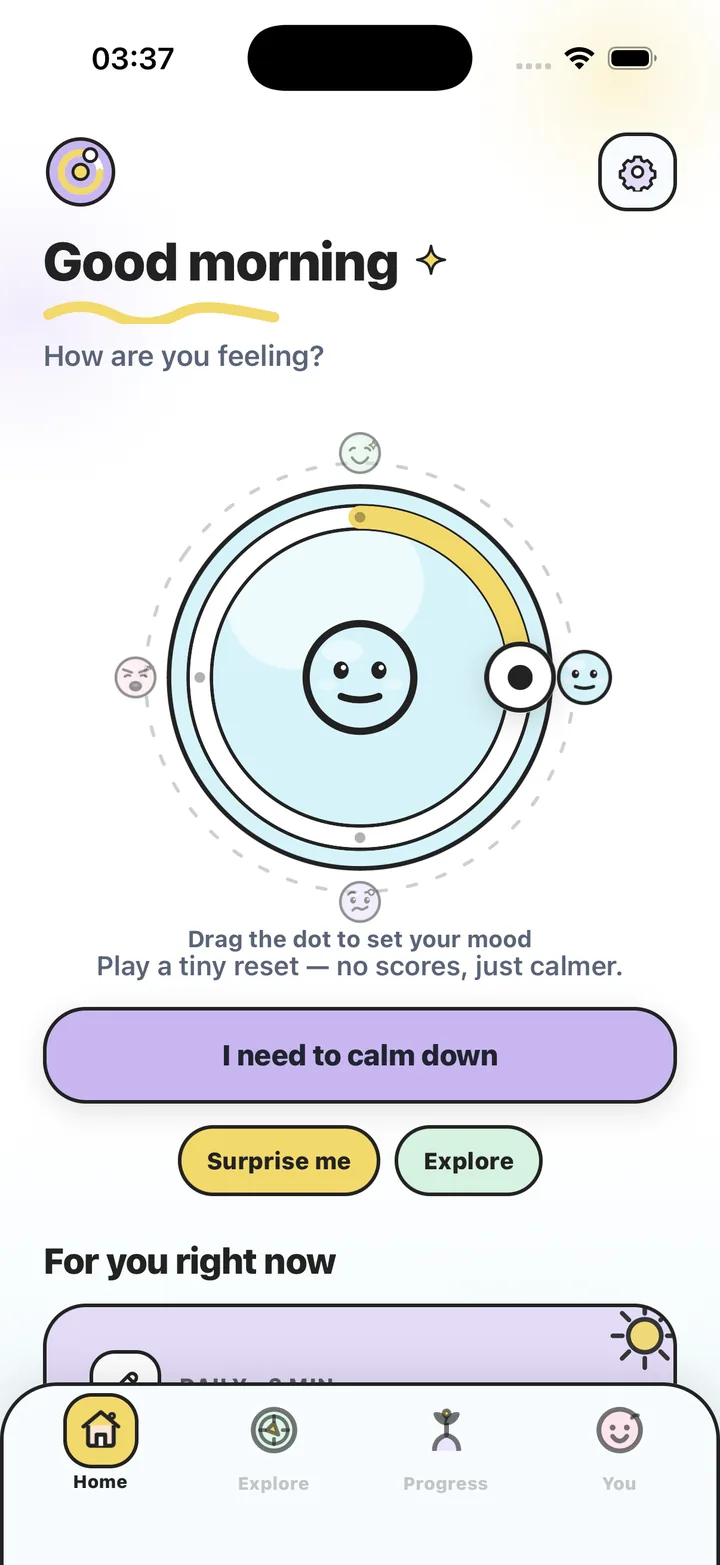
For example, choose Water Ripples when you want a phone activity and paper loops when you want the screen off. Stress Relief offers 19 calming games, including 7 free games, with optional Premium. You do not need the full library to make a small default plan.
Use a range instead of one perfect duration
Decide what the plan looks like with one, three or five minutes. The smallest version could be putting the task aside and choosing your next action. A longer version could include a short activity or a change of place. Longer does not need to mean adding more decisions.
Include an ending in every version. Use a timer, a finished small action or a return point, then put the materials away. If a practical need takes priority, such as food or caring for someone, let the routine change around it.
- Cue: which ordinary moment will remind me?
- Default: what is ready to start with little preparation?
- Alternative: what can I do when the default does not fit?
- Ending: what tells me to stop and what comes next?
Review usability rather than performance
After a few opportunities, ask three questions: Did I notice the cue? Was the activity easy to start? Was it easy to leave? Change the part that created friction. If you never wanted the chosen activity, replace it instead of treating that preference as a failure.
There is no need to count consecutive days, repay a missed break or produce a better mood score. An ordinary pause can feel pleasant, neutral or unhelpful. This is a flexible planning routine, not a medical program or a promise of improved productivity. If distress is persistent, use appropriate support beyond an activity schedule.
Write a four-line break plan
- Name the cue
Choose one familiar event that already appears in your day.
- Choose the smallest default
Pick an activity and a short version you can begin without preparation.
- Add an alternative and an end
Prepare a screen-free or setting-friendly option, plus a clear stopping point and next action.
- Review after a few tries
Keep what is usable, change what is awkward and resume after missed opportunities without catch-up.
Frequently asked questions
How many breaks should I schedule each day?
This guide does not prescribe a daily count. Start with one ordinary opportunity and adapt around your work, needs and responsibilities.
Do I need to track a streak?
No. You can review whether the plan is useful without counting days or recording each pause.
What if my schedule changes every day?
Use an event-based cue, such as finishing a meal, and keep more than one length available. Change the cue if it rarely happens.
Sources and product references
- Official Stress Relief app facts
Product information from Omnivatis, the publisher. These guides describe our own app and are not independent reviews.
- Stress Relief: Relaxing Games on the App Store
Check current iPhone availability, purchase options and published app information.
Stress Relief is a wellness app. It is not a medical device, does not diagnose or treat any condition, and is not a substitute for professional care. If you are struggling, please talk to a qualified professional.