

Written by the maker of Stress Relief. Product examples describe our own app; this is not an independent review or medical advice.
The short answer
Look for an explicit no-ad policy, a clear explanation of free and paid features, and a game you can stop without losing progress. Stress Relief has no advertising; free and Premium access are separate from its no-ad policy.
Free and ad-free answer different questions
Free tells you whether you can begin without paying. Ad-free tells you whether adverts appear during play. A free download may include paid content; a paid game may still offer optional rewarded adverts. Read the listing and purchase explanation instead of assuming one label guarantees the other.
Check the whole break, not only the first screen
Open a game, play briefly, finish it and return to the library. That is the path where interruptions matter. Notice whether another round starts automatically, whether there is a score to protect, and whether you feel free to put the phone down.
- Check what happens between rounds.
- Look for a clear stopping point.
- Try the free selection before choosing a subscription.
- Use sound and haptics only when they suit your surroundings.
Examples from Stress Relief
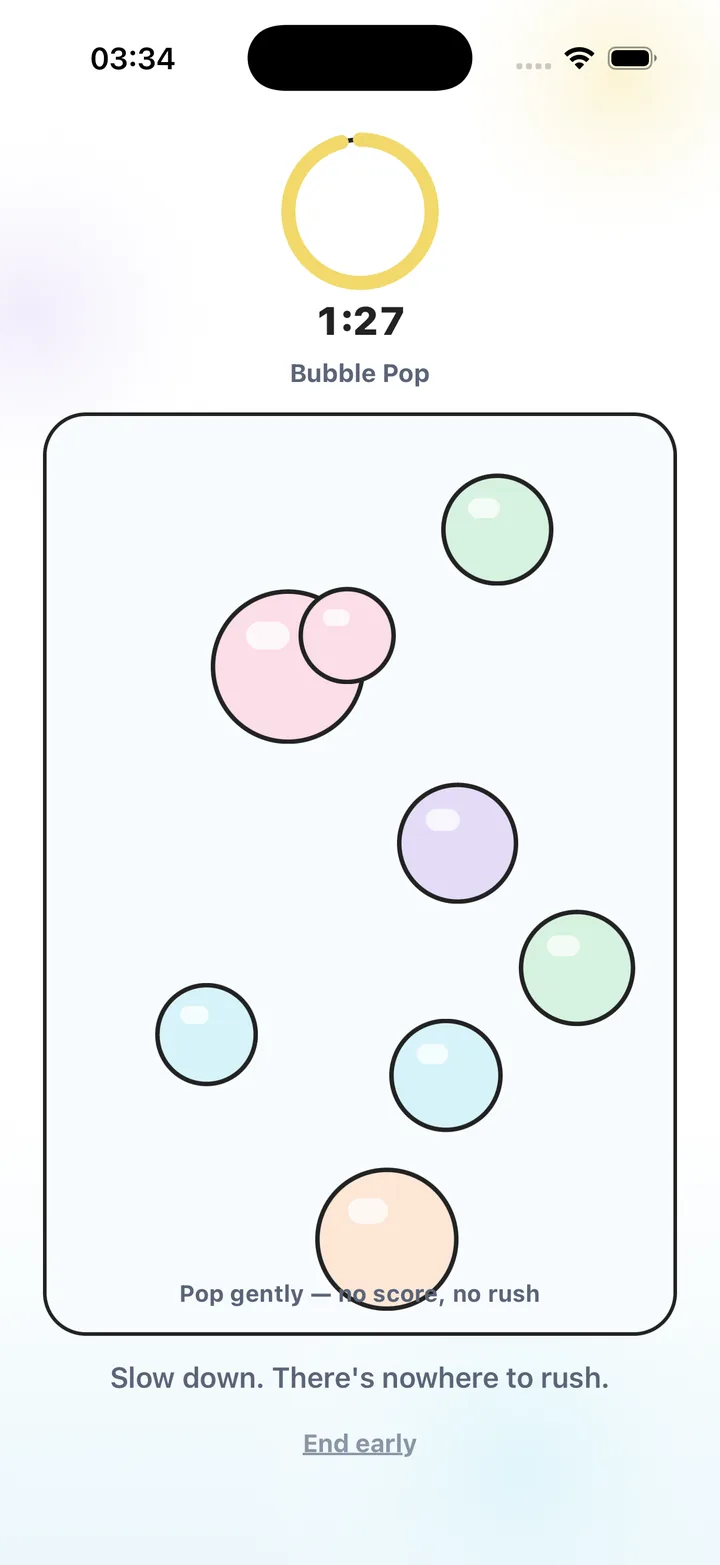
Bubble Pop offers simple tapping, Water Ripples responds to dragging, and Soft Shapes lets you merge gentle forms. They are different interactions in the same published app. There are no adverts between them, no competitive scores and no leaderboard.
Premium unlocks additional content. It does not remove adverts from a version that has them: both free and Premium use are ad-free. This distinction is useful when comparing download descriptions.
Choose a game that fits your hands and attention
If tapping is what you want, try a few bubbles. If you prefer slower movement, try ripples or tracing. You do not need to like every activity. A game can be a pleasant everyday break without being a treatment or producing a particular mood change.
A quick download checklist
| Question | What to check |
|---|---|
| Are there adverts? | The listing should explicitly explain advertising, including optional rewarded ads. |
| What costs money? | Look at free access, subscriptions, renewal and restoration separately. |
| Can I stop easily? | Try ending a round and closing the app. |
| Does it work offline? | Test a game after installation with the connection turned off. |
Try a short first session
- Read the listing
Check advertising and purchase information before downloading.
- Choose one interaction
Pick tapping, dragging or tracing; start with an available free activity.
- Notice the ending
Finish or leave the game and check for interruptions.
- Keep what suits you
Return to the activity you enjoyed, or try a different kind of break.
Frequently asked questions
Does ad-free mean every game is free?
No. Advertising and purchase access are separate. Stress Relief has no adverts, while Premium unlocks the full game library.
Does turning off Wi-Fi make every game ad-free?
No. Offline behavior varies by app. Look for an explicit no-ad policy rather than treating airplane mode as proof.
Sources and product references
- Official app facts and download
Product information from Omnivatis, the maker of Stress Relief. This guide describes our own app; it is not an independent review.
- Stress Relief on the App Store
Check current availability, purchases and the published version.
Stress Relief is a wellness app. It is not a medical device, does not diagnose or treat any condition, and is not a substitute for professional care. If you are struggling, please talk to a qualified professional.