Written by the maker of Stress Relief. Product examples describe our own app; this is not an independent review or medical advice.
The short answer
Write tomorrow’s first work action, put work materials aside and change one cue such as your seat, clothes or lighting. Spend a few minutes on one ordinary activity, then choose the first home task. The routine can include a calming game, but it works without a screen.
Close the workday with a note
An unfinished task does not need to be solved during the transition. Give it a place: write its next action and where the relevant document is. For example, “tomorrow: review the second estimate in the shared folder.” This is a practical handoff to your next work session, rather than an instruction to stop having work-related thoughts.
If your role includes on-call duties, use the boundaries that actually apply. Keep the required channel available and avoid promising yourself complete disconnection when you need to monitor it.
Change one visible cue
At home, you could close the laptop, put its cable in a drawer and sit somewhere else. After a commute, you could put your bag in its usual place and wash your hands. The cue should be something you can repeat without preparing a special environment.
A shared room or a small apartment does not rule this out. Turn a notebook over, move a work mug or replace a work window with a blank desktop. Choose the smallest visible change that tells you what happens next.
Choose a transition activity with an ending
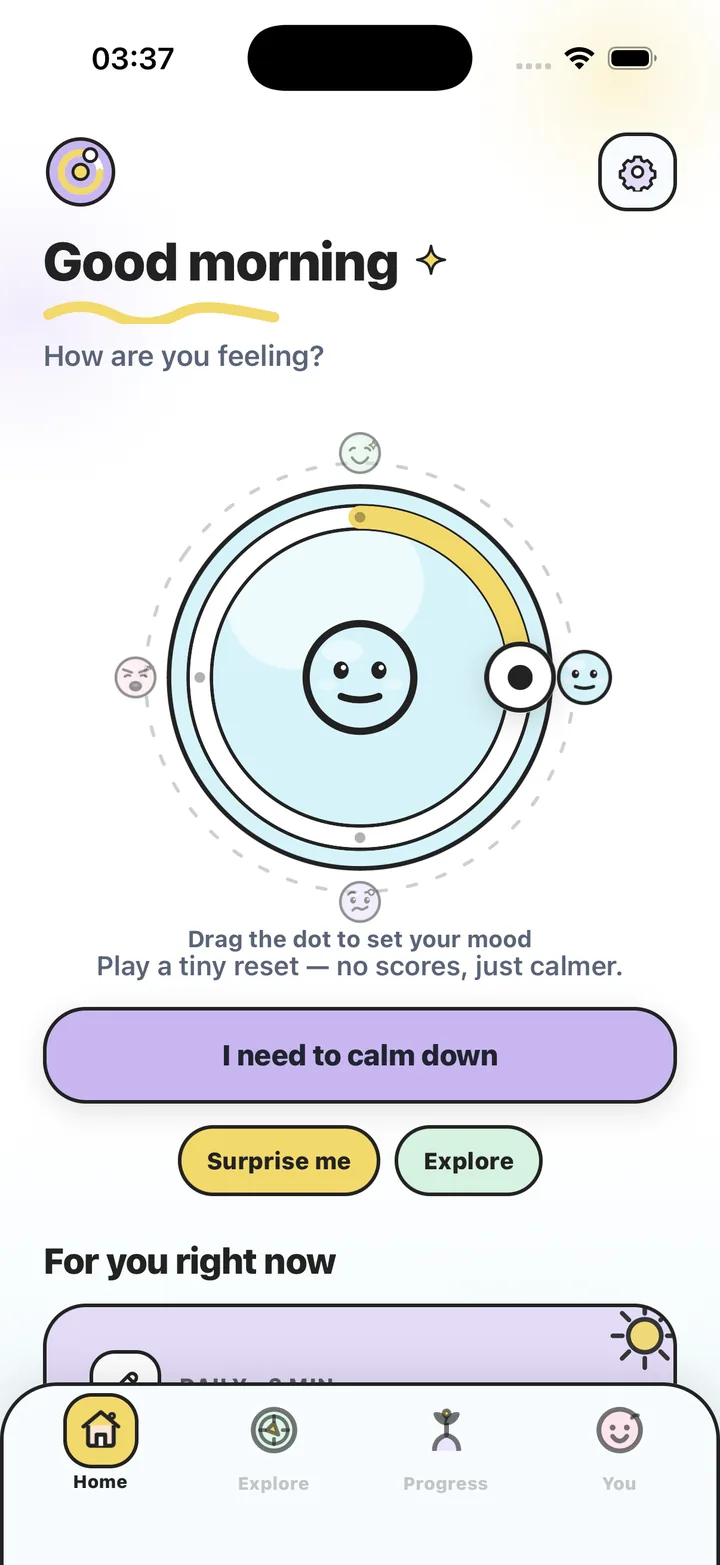
Try making a drink, watering one plant, drawing a pattern or listening to a familiar song. If you want a phone activity, use a short game you can leave easily. In Stress Relief, Water Ripples and Soft Shapes offer different ways to move a finger without a competitive score.
This is an after-work transition, not a bedtime or sleep treatment. If your goal later is to reduce screen use before bed, a screen-free routine may fit that separate part of the evening better. You do not need to combine every wellness activity into one ritual.
- One minute: put work away and name the next home task.
- Three minutes: add one short activity after closing work.
- Five minutes: include a drink or a brief change of setting.
- A crowded evening: do the closing cue now and take a longer pause later.
Make room for the evening you actually have
Choose a first home action with a clear shape, such as starting dinner, feeding a pet or sending a household update. The transition ends when you begin that action; it does not depend on feeling completely different.
On a difficult day, a routine cannot solve workload, caring responsibilities or a conflict. Use it as a boundary you can try, and change it if it adds another obligation. A missed evening does not create a task to make up tomorrow.
Build a repeatable work-to-home handoff
- Park the next work action
Write one useful instruction for your next work session and save any documents you need.
- Change one cue
Put a work item away, leave your chair or change the visible workspace.
- Take a bounded pause
Choose a drink, a doodle or a brief available game and decide where it ends.
- Start the evening
Put the activity away and begin one practical home task without grading your mood.
Frequently asked questions
What if I work from my bedroom?
Use a small cue, such as closing the device and putting work papers in a folder. A separate room is optional.
Can I do this after a night shift?
Yes, adapt the transition to your schedule and responsibilities. It is about ending a work period, rather than a particular clock time.
Does an after-work game improve sleep?
This routine makes no sleep claim. Choose a screen-free activity if putting the phone away is part of your evening goal.
Sources and product references
- Official Stress Relief app facts
Product information from Omnivatis, the publisher. These guides describe our own app and are not independent reviews.
- Stress Relief: Relaxing Games on the App Store
Check current iPhone availability, purchase options and published app information.
Stress Relief is a wellness app. It is not a medical device, does not diagnose or treat any condition, and is not a substitute for professional care. If you are struggling, please talk to a qualified professional.