Written by the maker of Stress Relief. Product examples describe our own app; this is not an independent review or medical advice.
The short answer
Choose one small screen-free action: draw a pattern on paper, refill a drink, look at the view from a window or put away a few nearby objects. Decide where it ends and what comes next. This is a menu of everyday activities, not a medical relaxation program.
For hands that want something to do
Use a scrap of paper to draw connected loops, shade a shape or repeat a simple line. Leave the result unfinished when you want. You can also fold paper you no longer need, sort a small handful of stationery or trace a familiar object with a finger.
Keep the task modest. Organizing an entire drawer may become another job. Choose something with a clear limit, such as one corner of a page or three items on the desk. The object is an ordinary pause rather than producing a polished result.
For a change of view or place
If practical, stand near a window, sit in another chair or walk to refill a glass. Choose something accessible and comfortable for you. Moving to a different place is optional; noticing a detail in the room is enough if you prefer to stay seated.
When you need to remain available for a call, child or announcement, choose a nearby activity that keeps that responsibility in view. A useful break should fit the setting you actually have, including its limits.
- At a desk: fill a small area with pencil lines.
- In a shared room: notice a few shapes or colors nearby.
- In a kitchen: make a drink and put the supplies away.
- Outside: pause somewhere appropriate and look at the surroundings.
Prepare a tiny menu rather than a new hobby
Write three choices on a card: one seated activity, one that changes your setting and one practical action. Put the card where you often start a break. When you reach that moment, select one option without searching for more ideas.
You might write “draw loops,” “look outside” and “refill water.” These are examples, not requirements or prescriptions. Replace an activity you dislike. A break does not become more valid because it resembles somebody else’s routine.
End without checking a screen
Use the activity itself as the boundary: one glass filled, one small pattern or a short walk back to the chair. If a precise time matters, use a clock or timer that is already convenient. You do not need to open your phone to record a completed pause.
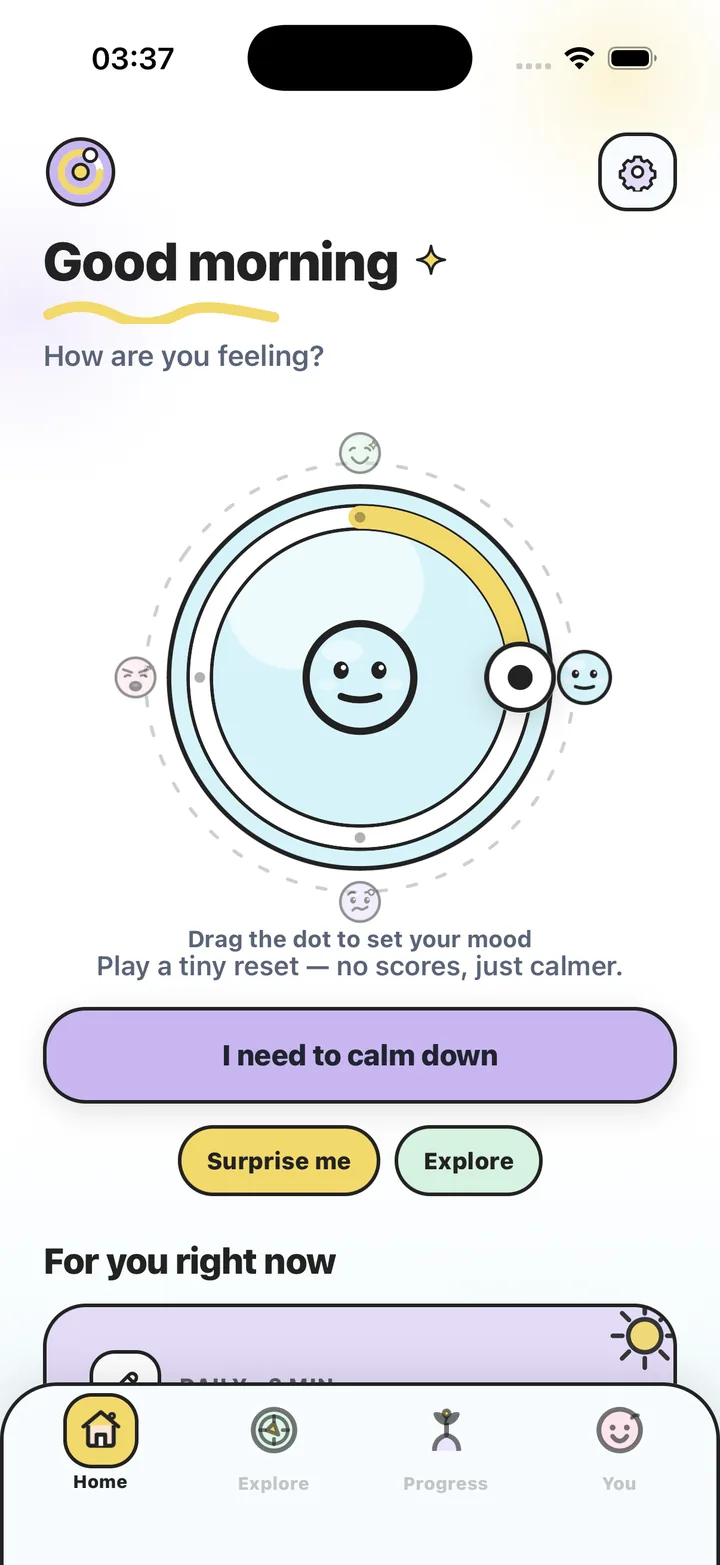
Stress Relief is an option when you do want an on-screen game or visual breathing cue. Its games are screen activities, even when they are quiet, ad-free and offline. Choosing a screen-free break is a complete choice on its own. Neither format guarantees a different mood; use the one that fits your goal today.
Make a three-choice break card
- List what is already available
Notice paper, a window, a drink or a nearby place you can comfortably pause.
- Choose three small actions
Include a seated option and an alternative that suits your ordinary surroundings.
- Give each action an end
Use a limited area, a small number of items or a return point rather than an open-ended task.
- Keep the card in view
Try a choice at the next convenient break and replace anything that feels awkward.
Frequently asked questions
Do I need a mindfulness exercise for a screen-free break?
No. An ordinary activity such as drawing or getting a drink can be your whole pause. No particular technique is required.
What if I cannot leave my chair?
Choose an activity within reach, such as a paper pattern or noticing details nearby. Change any suggestion that does not suit your access needs.
Is an offline phone game screen-free?
No. Offline describes the connection requirement. A phone game still uses a screen.
Sources and product references
- Official Stress Relief app facts
Product information from Omnivatis, the publisher. These guides describe our own app and are not independent reviews.
- Stress Relief: Relaxing Games on the App Store
Check current iPhone availability, purchase options and published app information.
Stress Relief is a wellness app. It is not a medical device, does not diagnose or treat any condition, and is not a substitute for professional care. If you are struggling, please talk to a qualified professional.