
What meditation apps do well
A good meditation app teaches a practice. Guided sessions of ten to twenty minutes, structured courses, a calm voice, sleep stories, a library that deepens over months. If you want to build a meditation habit, learn a technique properly, or have a teacher in your ear, that is the right tool. Many people use one every day and get real value from it.
Where they ask a lot
The friction shows up in the stressed moment itself. You have four minutes before a call and your chest is tight. A meditation app asks you to choose a course, find headphones, sit still, close your eyes and listen. For some people that is exactly right. For many it is one step too many, so the app stays closed and the moment passes unhelped.
- Sessions usually run 10–20 minutes; short ones are the exception
- Passive: you listen and sit, which is hard when you are wound up
- Often needs headphones and a quiet place
- Streaks and daily goals can add pressure of their own
- A large library to browse before anything starts
What Stress Relief adds
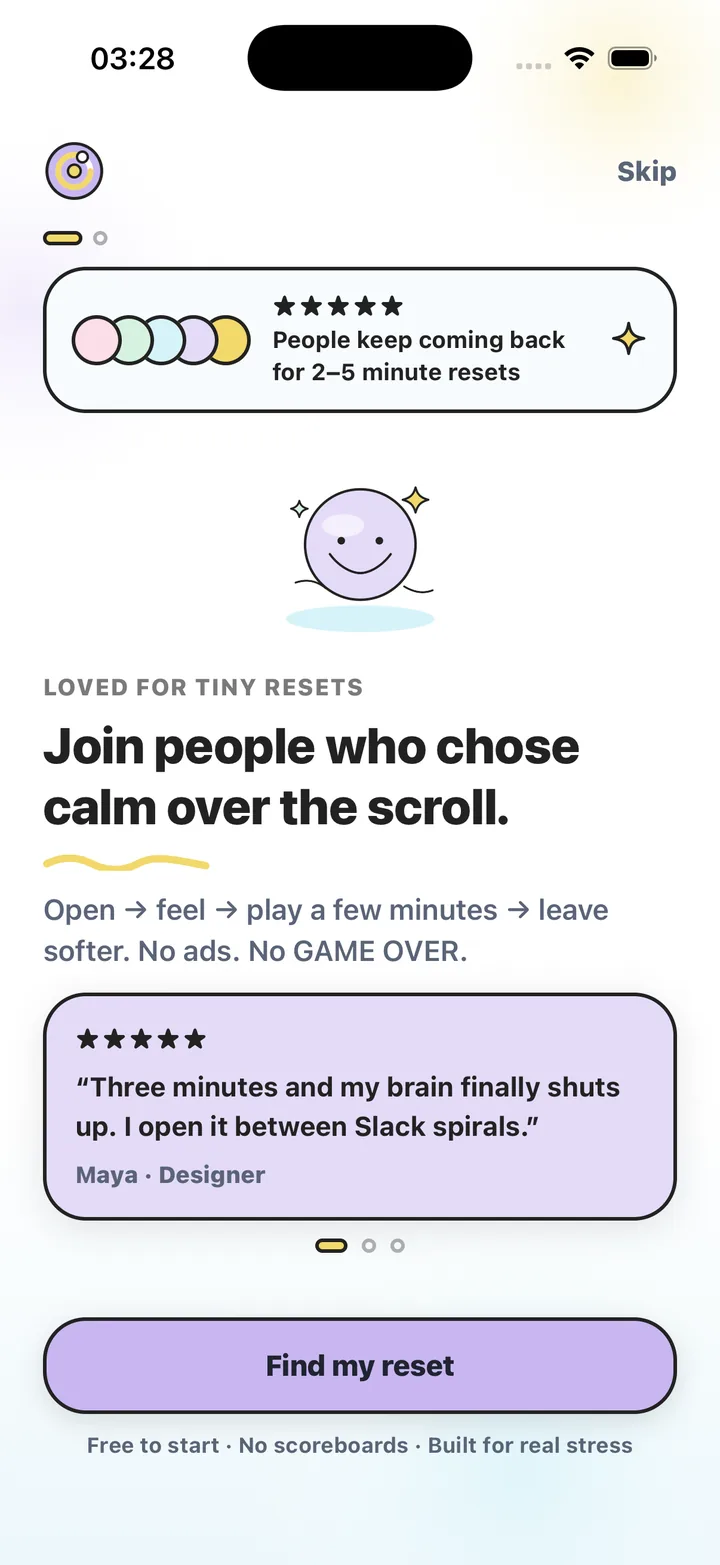
Stress Relief is built for the four-minute gap. One button — "I need to calm down" — asks how you feel and how long you have, then starts a session: a soft interactive game with gentle guided breathing, sized to one, three or five minutes. Your hands are busy, so a racing mind has somewhere to go. There is no voice, no headphones needed, no eyes-closed requirement, and the design is quiet and low-light.
- 17 calming games with soft haptics: no score, no GAME OVER, no ads
- Guided breathing you follow with your eyes open — a slow dot
- Sessions of 1, 3 or 5 minutes; end early any time
- Works offline; no browsing required thanks to Instant Reset and Surprise me
- Progress as calm minutes and mood trends, with no streak guilt
Which one should you use?
Use a meditation app when you want to learn and deepen a practice with time set aside for it. Use Stress Relief when the stress is happening now and you have a few minutes, not twenty. Many people keep both: a longer practice on good days, a one-minute reset on the hard ones.
Neither is a medical tool. Stress Relief is a wellness app: it does not diagnose or treat any condition and is not a substitute for professional care. If stress or anxiety is affecting your life, please talk to a qualified professional.
Frequently asked questions
Does Stress Relief include meditations?
No guided meditations or voice sessions. It offers interactive calming games and simple guided breathing in 1–5 minute sessions.
Can I use Stress Relief alongside a meditation app?
Yes. Many people use a meditation app for a longer daily practice and Stress Relief for short resets in the middle of a stressful day.
Does Stress Relief have sleep stories or soundscapes?
Not in the current version. The app focuses on calming games, Instant Reset sessions and breathing. "Wired before bed" is one of the moods you can choose.
Is one better for anxiety?
Neither is a treatment. Both are wellness tools, and neither substitutes for professional care. Choose the one you will actually open when you need it.
Stress Relief is a wellness app. It is not a medical device, does not diagnose or treat any condition, and is not a substitute for professional care. If you are struggling, please talk to a qualified professional.