

Written by the maker of Stress Relief. Product examples describe our own app; this is not an independent review or medical advice.
The short answer
Choose a browser game when avoiding installation is your priority. Choose an installed app with verified offline play when you want an activity on your phone without relying on a connection. Stress Relief is an app download; this website does not provide a playable browser version.
Decide how you want to start
A browser game can be convenient for trying an activity through a link. An app requires an initial download, but puts its available activities together on your device. If you want an immediate browser game, a download page is not the same thing. We make that distinction explicit here.
Check offline behavior rather than guessing
Some websites can cache activities for offline use; others need a connection each time. Installed apps vary too. Whichever format you choose, test it with the connection off before depending on it for a flight or commute.
Advertising and pacing are separate from the format
Browser and app are delivery formats. Neither label guarantees that an activity is free of adverts, scores or purchase prompts. Check the full session: entering, playing, ending and returning to the library.
Where Stress Relief fits
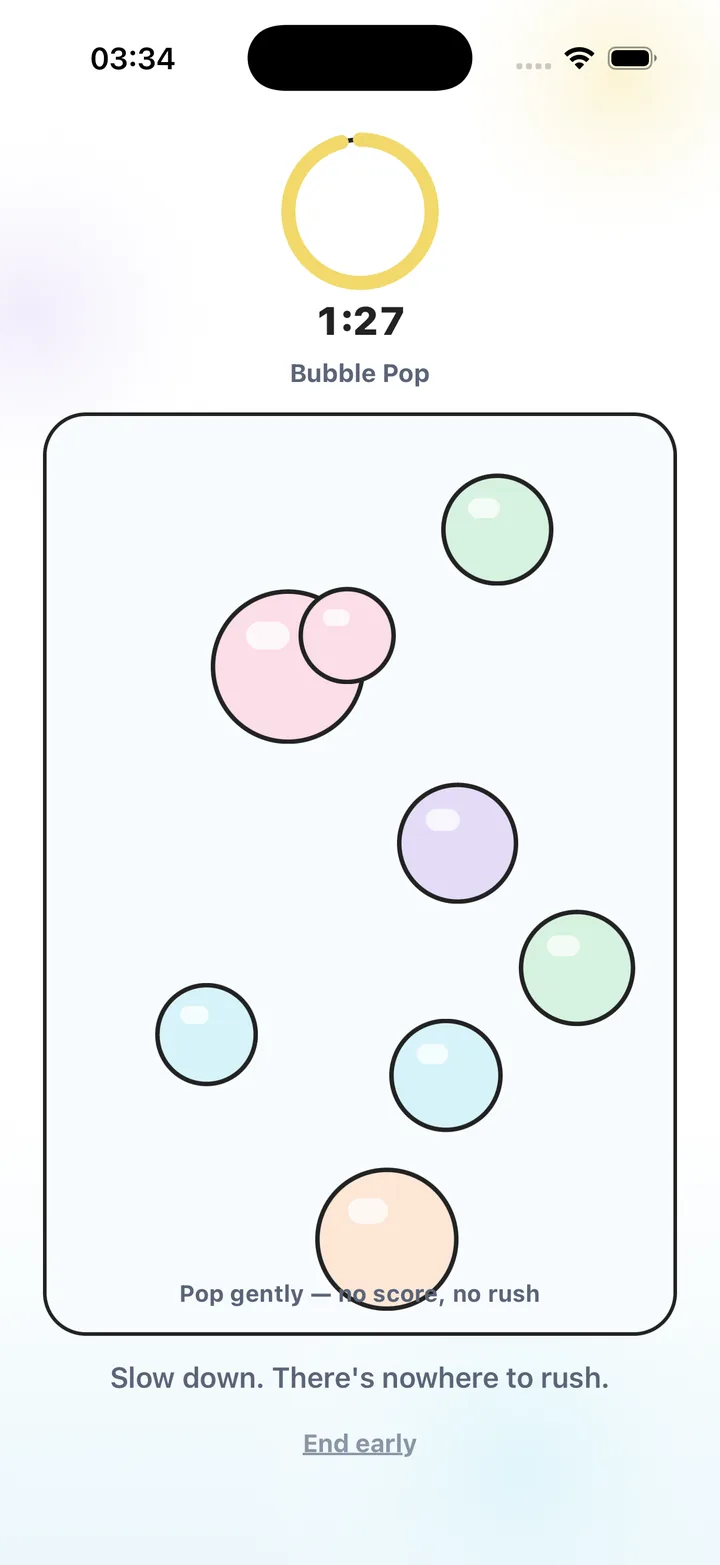
Stress Relief: Relaxing Games is an installed iPhone app with a published library of 17 calming games, guided breathing and short Instant Reset sessions. Games and breathing work offline, there is no advertising, and the app is free to start with optional Premium.
If that format suits your break, use the App Store link. If you are on a computer, scan the download code with your iPhone. Account, purchase and AI services can still need a connection.
Questions to compare the two formats
| Question | Browser game | Installed app |
|---|---|---|
| How do I start? | Open the website; check browser compatibility. | Download from the store and open the app. |
| Can it work offline? | Check for offline support or cached content. | Check the chosen activity after installation. |
| Will adverts appear? | Read the policy and test between rounds. | Read the policy and test between rounds. |
| Can I use it on a trip? | Test connection and cache requirements first. | Prepare and test the activities before leaving. |
Choose a format
- Decide whether to install
Choose the format you are comfortable starting now.
- Check the connection requirement
Test offline use if it matters for the break you plan.
- Check the whole session
Notice advertising, purchases and how the activity ends.
- Keep one useful option
Bookmark the website or keep the app you enjoyed using.
Frequently asked questions
Can I play Stress Relief in my browser?
No. This site describes the app and its activities. Download the published iPhone app from the App Store to play.
Are all downloaded games offline?
No. Offline support depends on the activity and service. Test it before a journey. Stress Relief games and breathing work offline.
Sources and product references
- Official app facts and download
Product information from Omnivatis, the maker of Stress Relief. This guide describes our own app; it is not an independent review.
- Stress Relief on the App Store
Check current availability, purchases and the published version.
Stress Relief is a wellness app. It is not a medical device, does not diagnose or treat any condition, and is not a substitute for professional care. If you are struggling, please talk to a qualified professional.