
Written by the maker of Stress Relief. Product examples describe our own app; this is not an independent review or medical advice.
The short answer
Choose a movement you like, check whether sound and touch fit the setting, and decide when to finish. Bubble Pop and Water Ripples are free app activities with simplified demos on this site. A game is optional; a paper pattern or a quiet screen-free pause can also fit the same time.
What the actual iPhone activities look like
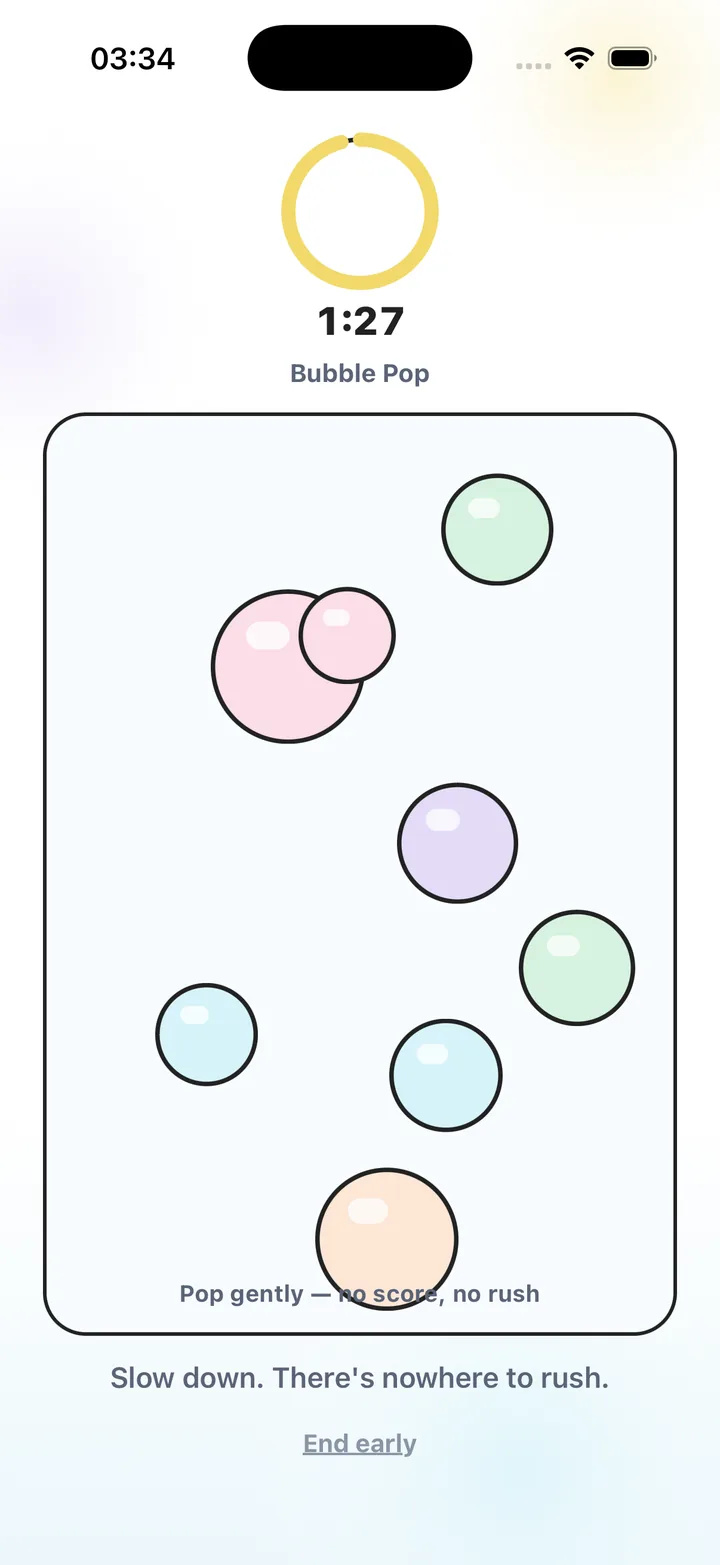
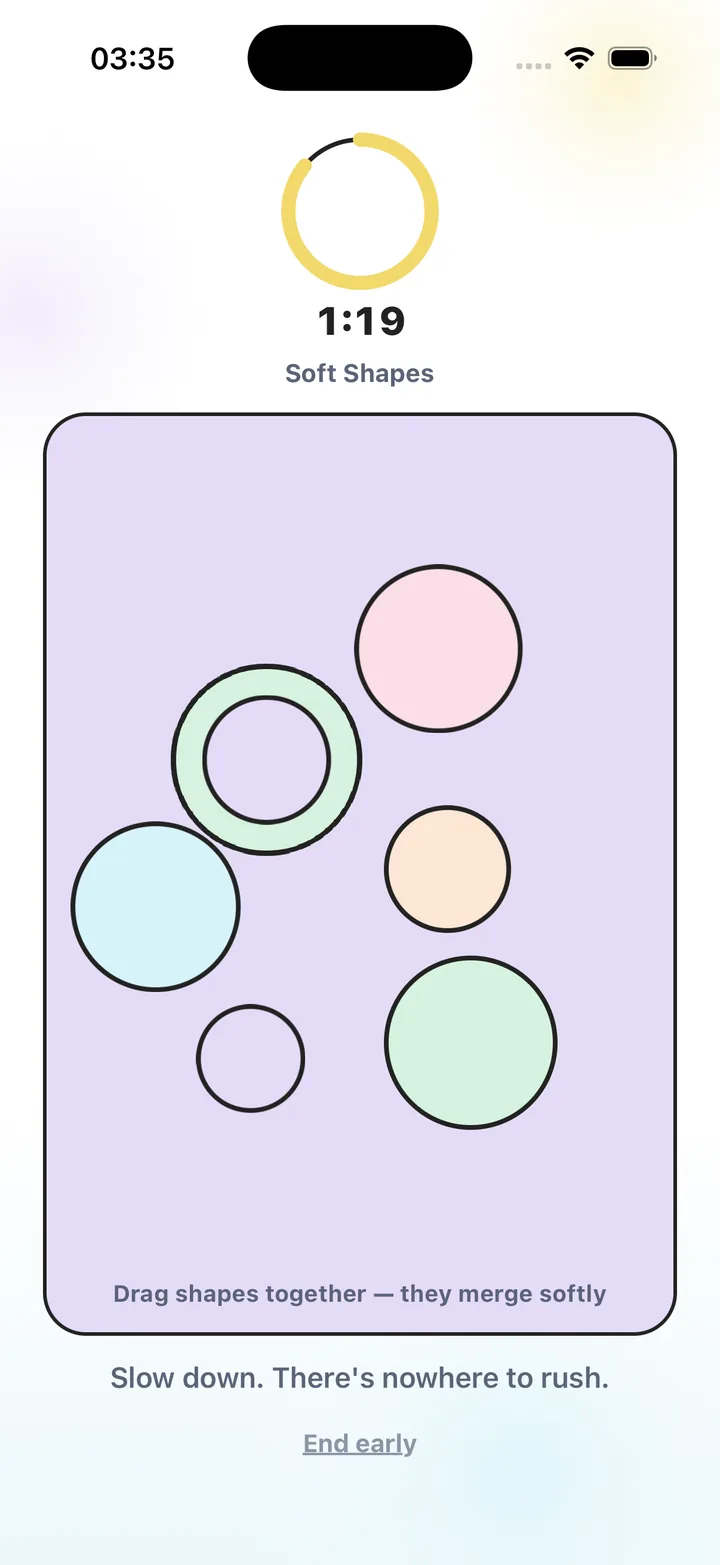
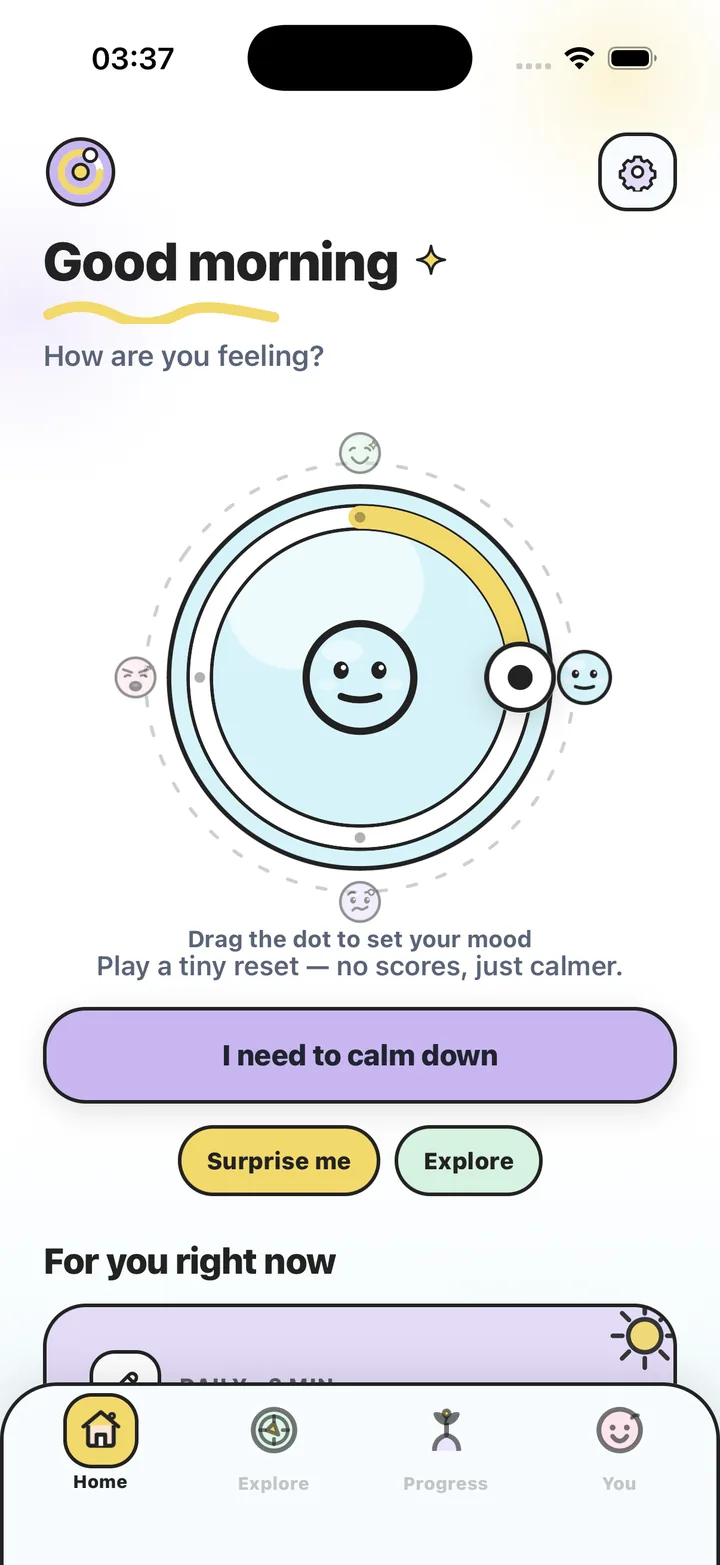
These captures show three different tasks, rather than three versions of the same game. The browser demos are separate examples and do not reproduce the full app or native haptics.
Start with a movement you can comfortably repeat
For separate touches, try Bubble Pop. For dragging, try Water Ripples or Soft Shapes. For creating marks, use Color Flow; for a nature activity, try Tiny Garden. All five are free in the app. Breath Bloom and Stone Sort bring the free selection to seven.
The names describe different actions. A tapping game can be enjoyable when you want a few distinct touches; drawing can be preferable when you want more freedom. You do not need to find the objectively best activity or play everything in the library.
Three ordinary situations, with a clear return
Before a call: set aside the materials you need, make a few bubble taps, then close the activity and return to your first sentence. While waiting: choose a quiet game you can interrupt when your name is called. Between study blocks: leave a note naming the next question, try a small activity and return to that note.
These are practical examples, not tested promises of improved performance. If the situation needs a drink, movement, food or a conversation, give it the break it actually needs. A game is one option in the menu.
Use the browser demos as a small trial
You can try Bubble Pop, Water Ripples and Breathing Dot on this website without an account or installation. Each has instructions for a mouse or keyboard; tapping works on phones. Finish break closes the play area without requiring a completed pattern.
The app has its own surfaces, haptic feedback and session features. The browser bubble sheet is stationary rather than drifting, and the web experiences do not collect mood check-ins or save progress. Use the preview to explore an interaction, without expecting it to demonstrate every native feature.
Set a time boundary that matches the setting
Instant Reset offers one-, three- and five-minute choices. These are ways to fit an activity into a gap, not promises of a result within a fixed number of minutes. Use an available session, a separate timer or a few planned actions, and end early if needed.
For a shared room, try the activity silently and check vibration separately. For a journey, install and open the app while connected, verify access and test the chosen activity offline. Store, account, restoration and AI services can need an internet connection.
Understand free access before considering Premium
The seven free activities are Bubble Pop, Water Ripples, Color Flow, Tiny Garden, Soft Shapes, Breath Bloom and Stone Sort. Premium unlocks all 19 activities, every Instant Reset and personalized sessions. Both free and Premium access have no advertising.
Check the current local price, billing period and renewal terms in the app or App Store. Choose Premium for an added activity or access option you want, rather than expecting payment to produce a stronger wellness result.
Decide what to use again
After a short session, ask whether you enjoyed the movement and whether it was easy to stop. If it suited you, keep it as one familiar option. If it did not, try another movement or leave the screen. There is no mood score you need to improve or missed-day streak to repair.
Stress Relief is a wellness app. It does not diagnose or treat any condition and is not a substitute for professional care.
Choose by movement and setting
| What you want | Try | What to check |
|---|---|---|
| Separate taps | Bubble Pop; free app activity and web demo | Whether the target size and repeated touch feel comfortable. |
| A continuous movement | Water Ripples; free app activity and web demo | Whether a slow drag suits your grip and surroundings. |
| Create something small | Color Flow; free in the app | Try a few marks without requiring a finished picture. |
| A breathing cue | Breathing Dot web demo; Breath Bloom in the app | Use only a comfortable pace; pause or stop whenever you want. |
| A screen-free option | Loose lines on paper; a change of view | Choose an activity that fits the practical break you need. |
Plan one realistic game break
- Choose the setting
Notice whether using the phone is appropriate and whether sound or haptics suit the people around you.
- Choose a movement
Try a few taps, a slow drag or a small mark. Use an available free activity first.
- Name the ending
Choose a short time or a few movements, then decide the first task you will return to.
- Finish without completing everything
Leave unpopped bubbles or an unfinished pattern. Keep the activity only if you want to use it again.
A little play, right here
Choose a free browser demo.
Try a simple interaction before choosing the app. No download or account needed. These are small web examples; the iPhone app has its own game surfaces, haptics and session features.
Bubble Pop
Pop soft bubbles in a free browser demo with no score or time limit. Tap, click or use your keyboard, then leave whenever you want. No signup or download.
Play nowWater Ripples
Tap a quiet water surface and watch ripples spread. A free, silent browser demo for touch, mouse or keyboard, with no score, signup or download.
Play nowBreathing Dot
Try a free visual breathing dot you can start, pause and reset. Follow only a comfortable pace; no breath holds, scores, account or download required.
Play now
Frequently asked questions
What are good stress relief games for adults to start with?
Choose by the action you want: Bubble Pop for tapping, Water Ripples for dragging and Color Flow for finger painting. These are free in the app; the first two also have simplified web demos here.
Do I need to download anything to try a game?
No. This website offers three free browser demos with no account requirement. The full iPhone app is a separate download.
Do these games replace professional support?
Stress Relief is a wellness app. It does not diagnose or treat any condition and is not a substitute for professional care.
Do I need a score or daily streak?
No. Stress Relief has no competitive scores or daily streaks to protect. Use an activity when it fits your day and leave when you want.
Sources and product references
- Official Stress Relief app facts
Product information from Omnivatis, the app maker. These examples describe our own product, not an independent review.
- Stress Relief: Relaxing Games on the App Store
Check current iPhone availability, subscription options and version information.
Stress Relief is a wellness app. It is not a medical device, does not diagnose or treat any condition, and is not a substitute for professional care. If you are struggling, please talk to a qualified professional.