

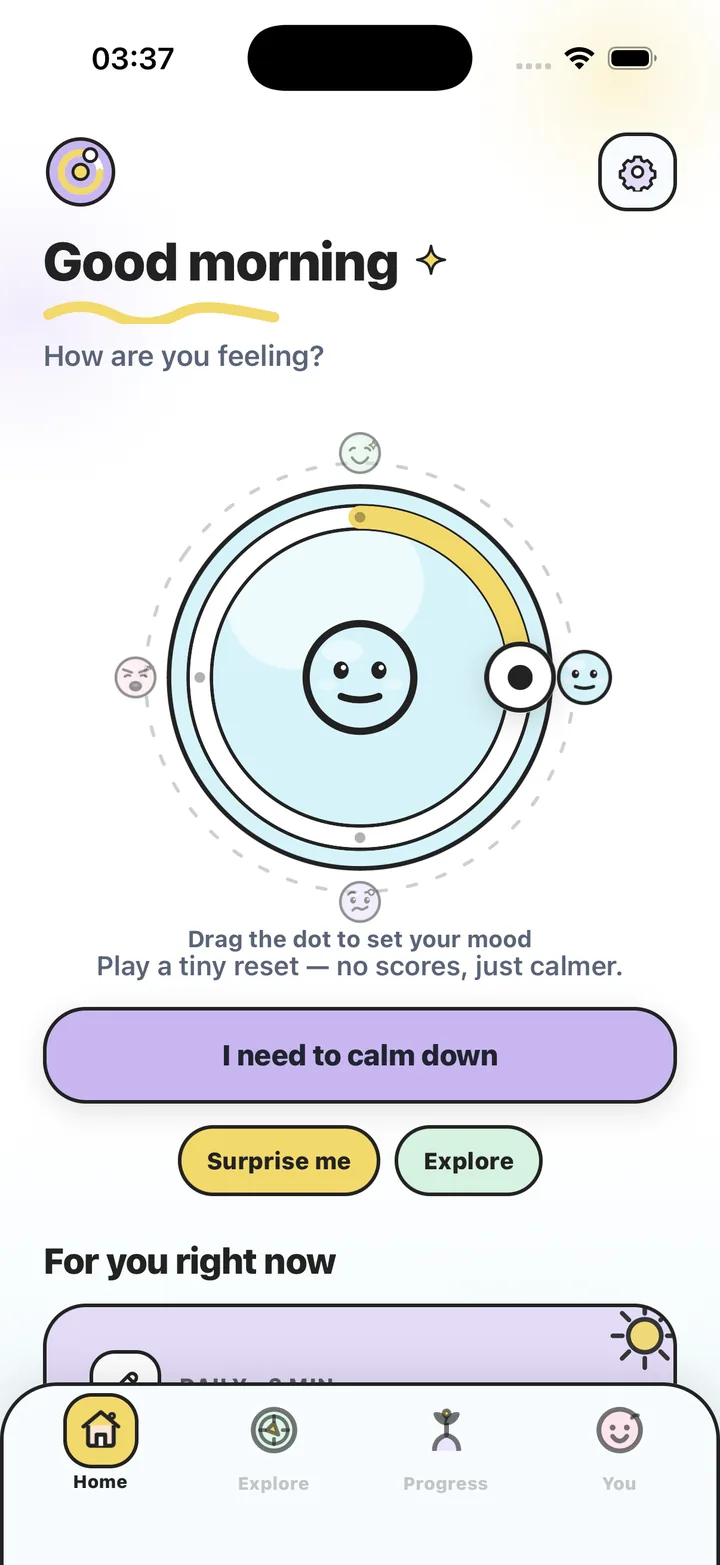
Written by the maker of Stress Relief. Product examples describe our own app; this is not an independent review or medical advice.
The short answer
Use one minute for a single simple action, three minutes for an activity with a brief return step, or five minutes when you can comfortably change setting. Reserve time to finish. These are planning options; they do not promise a particular change in mood or attention.
One minute: remove the choices
When a call begins shortly, use an activity you already know. Look away from the screen, draw a few lines or briefly play an available tapping game. Spend the final part of the minute closing it and finding the call link. Avoid spending the whole gap deciding which activity is best.
A one-minute pause is also an option when a longer one is impractical. It does not have to contain a complete routine. If you need the bathroom or a drink, choose that practical need instead of adding a game.
Three minutes: include the return
Three minutes leaves room for a simple beginning and ending. For example, use the first thirty seconds to save your place, roughly two minutes for a quiet activity, and the final thirty seconds to put it away. The timing is an example you can adapt, rather than a required technique.
In Stress Relief, an Instant Reset can combine a game and gentle breathing within a selected short session. Access varies between free and Premium features. If you want only a game, choose an available activity from the library and decide your own stopping point.
Five minutes: change the setting if useful
A slightly larger gap may fit walking to get water, sitting in a different chair or stepping outside when practical. Count the return trip in the five minutes. Choose a route or activity that lets you arrive back without rushing.
If you prefer staying where you are, you can draw on paper, read a short passage or play one noncompetitive game. Five minutes does not require five different activities. Keeping one activity can make the end simpler.
- Check when you actually need to be ready, not only when the next event starts.
- Allow time to save, close and put things away.
- Keep one default for short gaps so you do not need to browse.
- Change the plan when an ordinary need takes priority.
Choose the boundary before starting
A timer, the end of a song or returning with a drink can mark a break. In a shared space, use a signal that does not disturb others. If you have a hard deadline, use a reliable clock or reminder rather than estimating elapsed time from the game.
Stress Relief has one-, three- and five-minute Instant Reset options and games without scores. You can stop early. A session is an everyday wellness activity, not a test you pass by completing every second or reporting a better mood.
Choose a practical length
| Time available | Example activity | Ending |
|---|---|---|
| One minute | Look away, doodle or use a familiar tapping activity. | Put it away before the next task starts. |
| Three minutes | Save your place, try one activity and return. | Read your next-action note. |
| Five minutes | Get a drink, change setting or take one longer activity. | Allow time for the return trip. |
Choose the next break in four decisions
- Check the real gap
Include any preparation needed for the next appointment or task.
- Choose one activity
Pick something already available that fits your hands, surroundings and preferences.
- Set the boundary
Use a timer or another clear end and leave room to put the activity away.
- Return or revise
Finish at the chosen point. If circumstances changed, deliberately make a new plan.
Frequently asked questions
Is five minutes better than one minute?
Not automatically. Choose by your actual time and needs. This guide does not compare health benefits of different session lengths.
Do I need to finish an Instant Reset?
You can stop early. Choose a shorter session when you know you need to leave soon.
Does each length need a different game?
No. One familiar activity can work across different time boundaries. Your surroundings and preferences matter more than making a large menu.
Sources and product references
- Official Stress Relief app facts
Product information from Omnivatis, the publisher. These guides describe our own app and are not independent reviews.
- Stress Relief: Relaxing Games on the App Store
Check current iPhone availability, purchase options and published app information.
Stress Relief is a wellness app. It is not a medical device, does not diagnose or treat any condition, and is not a substitute for professional care. If you are struggling, please talk to a qualified professional.