Written by the maker of Stress Relief. Product examples describe our own app; this is not an independent review or medical advice.
The short answer
Decide the stopping signal and next action before opening the game. Choose a short session or an external timer, stop at the next convenient touch and put the phone somewhere that fits the next task. You do not have to finish a pattern, round or mood check-in perfectly.
Choose a game with an exit you can use
Before relying on an activity for short breaks, try leaving it halfway through. Check whether you lose something you care about, whether another round begins automatically and whether there is an obvious route back. Those details can matter more than how quiet the first screen looks.
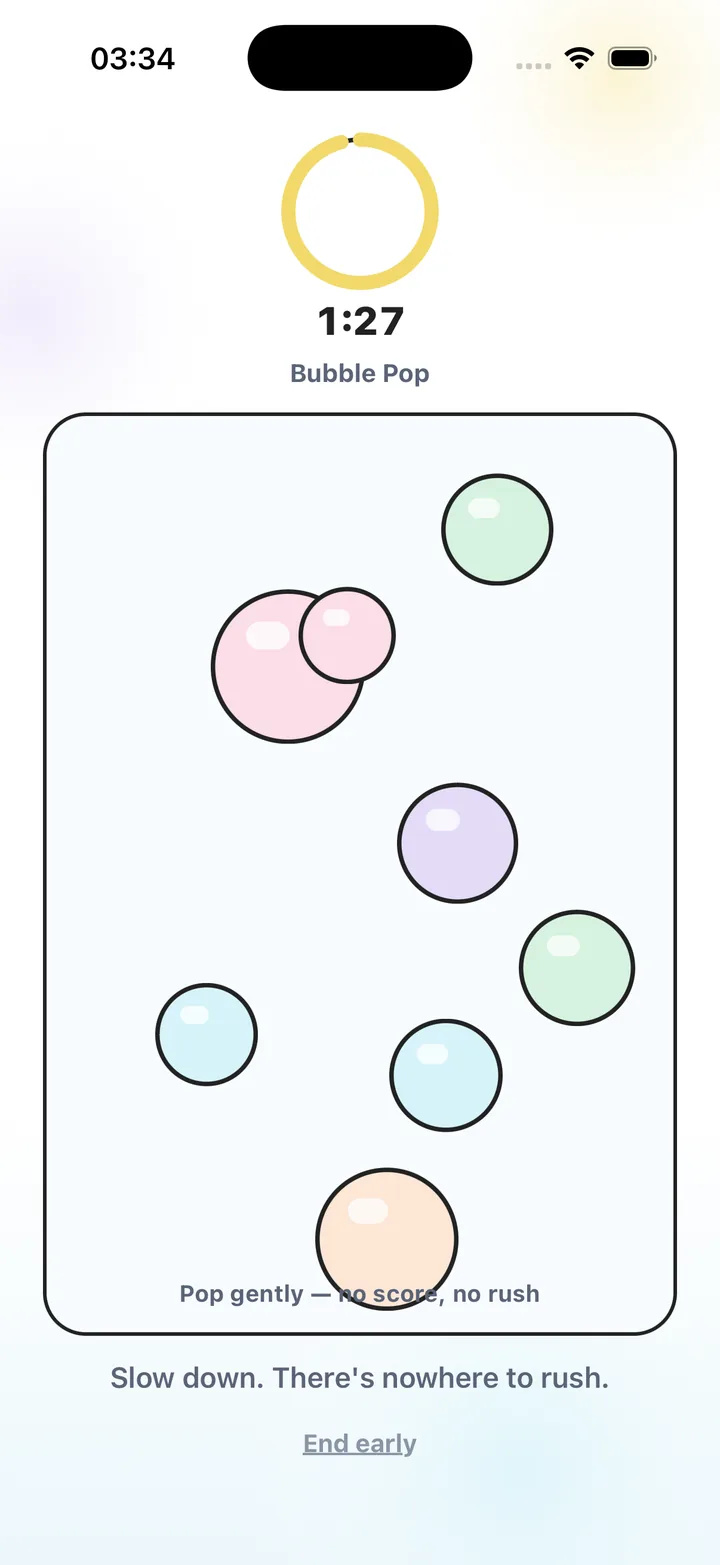
Stress Relief games have no competitive scores, no leaderboards and no advertising. You can leave early. That design makes an interruption possible, but your own ending plan still matters. An ad-free game does not set a limit on your behalf.
Set a signal outside the feeling
Use a countdown, a timer or an event such as the kettle finishing. Choose something you will notice without repeated clock checks. If a deadline matters, use a reliable time reminder and leave a margin for putting the activity away.
Avoid making the only boundary “until I am relaxed.” You might enjoy the activity and feel the same afterward. A time boundary lets the pause end without requiring a particular result. You can decide later whether you want a different kind of break.
Prepare a small landing action
Write the next action before you play: open the draft, put the plate in the sink, find the call link or read one paragraph. Make it small enough that you do not need to make another plan when the timer ends.
You can also choose where the phone goes next. For a computer task, that might be a nearby drawer. For travel, it might be a secure pocket. If you need the phone for the next task, open the needed screen deliberately after closing the game.
- Pick the stopping signal before the activity.
- Keep the next action visible or easy to remember.
- Choose where the phone will go afterward.
- Allow the pattern on the screen to remain unfinished.
When you want another round
Pause long enough to check whether the original time is still yours. If you have a hard deadline, close the game and follow your next action. If the gap has genuinely changed, you can make a new deliberate choice rather than letting the next round start by default.
If you regularly find games hard to stop, choose a paper activity or a practical pause for this situation. A bounded game routine is an option, not an obligation. Ongoing difficulties with gaming or phone use may need support beyond a timer; this guide does not offer a treatment.
Give the break an ending in advance
- Choose a usable exit
Try leaving the activity before depending on it for a short gap.
- Set the stopping signal
Use a time boundary or a clear event and allow time to put the activity away.
- Name the landing action
Choose one specific thing you will do immediately after closing the game.
- Stop without completing
Leave the pattern where it is, put the phone in its planned place and begin the next action.
Frequently asked questions
Do I need to complete the game before leaving?
Choose an activity that allows you to leave when needed. Stress Relief games are noncompetitive and can be stopped early.
What if I ignore the timer?
Review the setting and the activity. Try a clearer reminder, a shorter session or a screen-free break rather than repeatedly using a plan that does not fit.
Is a mood check-in required to end a break?
No. The useful boundary is the one you can follow. You do not need a particular rating or an improved feeling to put the activity away.
Sources and product references
- Official Stress Relief app facts
Product information from Omnivatis, the publisher. These guides describe our own app and are not independent reviews.
- Stress Relief: Relaxing Games on the App Store
Check current iPhone availability, purchase options and published app information.
Stress Relief is a wellness app. It is not a medical device, does not diagnose or treat any condition, and is not a substitute for professional care. If you are struggling, please talk to a qualified professional.