Written by the maker of Stress Relief. Product examples describe our own app; this is not an independent review or medical advice.
The short answer
Name the moment you tend to open a feed, choose one replacement in advance and give it a clear end. Try a short walk, a paper doodle or one available calming game. Keep a separate plan for news you want to read, so a break does not have to answer every information need.
Start with one repeatable moment
Choose a situation you can recognize: after sending an email, while a kettle boils or when sitting down after lunch. Write a plain sentence such as “after lunch, I will take a three-minute pause before opening a feed.” A small, specific experiment is easier to review than an instruction to use your phone less all day.
Notice what you wanted from that moment. Was it information, a change of activity, something to do with your hands or contact with someone? A game will not replace a conversation or an important update. Match the alternative to the ordinary purpose of this particular break.
Prepare a replacement that is ready to start
Put a pen and scrap paper where you usually sit, save a short passage or choose an app activity in advance. If you have to search through a library each time, that search becomes another open-ended task. Keep one default and one screen-free alternative.
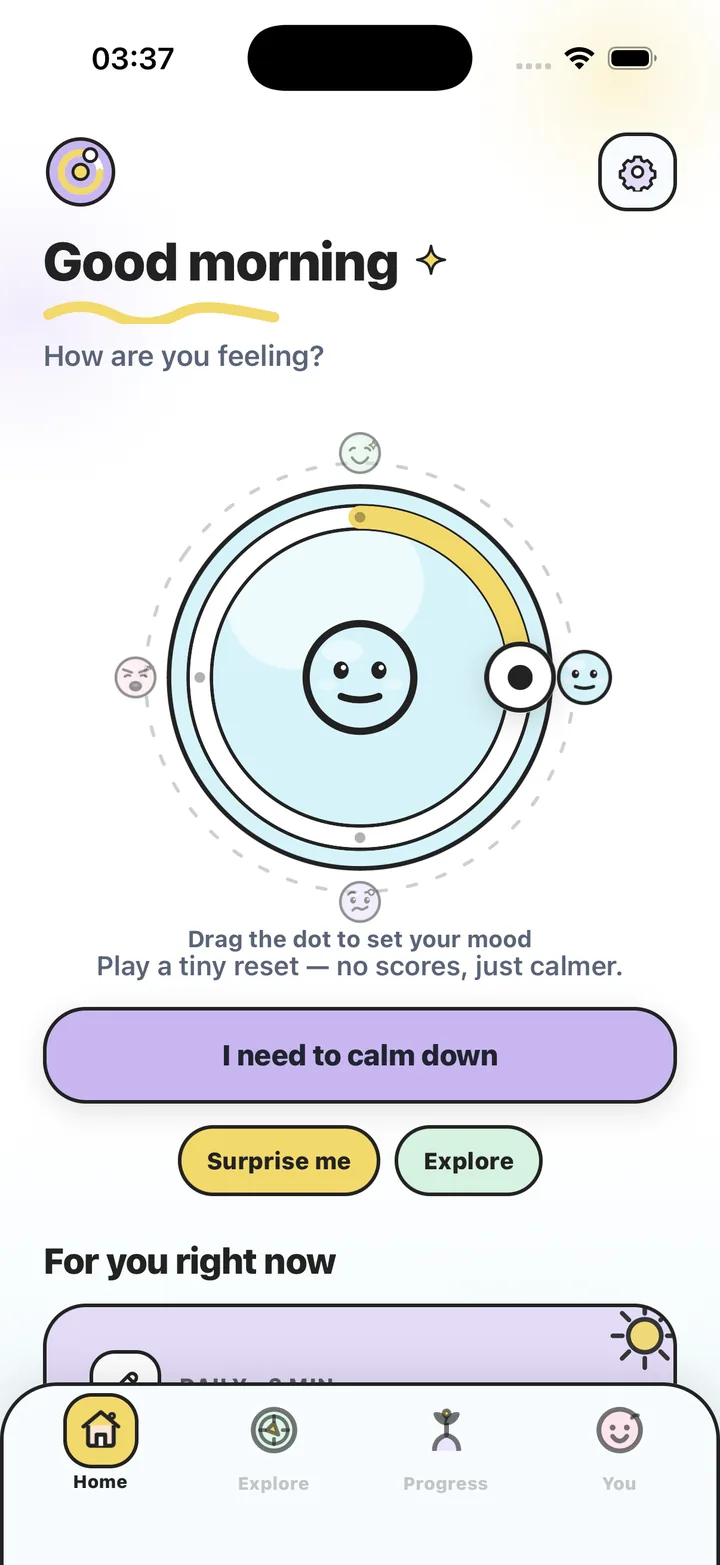
Stress Relief offers short, noncompetitive games with no advertising. You can choose an available activity such as Bubble Pop or Water Ripples and leave when your break ends. It is an optional replacement activity, rather than a treatment for compulsive phone use.
Separate a break from a news session
If you do want to follow news, decide when and where you will read it. A saved article or a publication you chose deliberately gives that session a defined starting point. This guide does not tell you what information to trust or how much news you should consume.
For the break itself, set an observable end: finish one small drawing, return with a drink or close a game when the timer ends. “Until I feel better” is harder to use as a boundary because you may not feel different at the end.
- Move the replacement where you can find it quickly.
- Use a quiet timer when it suits the setting.
- Decide what you will do immediately after the break.
- Keep required messages and urgent information available.
Review the experiment without a streak
After several opportunities, ask whether the replacement was easy to begin and easy to stop. If you kept returning to the feed, change one detail: a different activity, a shorter pause or a screen-free choice. You do not need to restart a challenge or make up missed breaks.
If phone use is causing ongoing problems in daily life, a short routine may be too small for what you need. Consider support that addresses the wider situation. For an ordinary break, it is enough to learn which activity you actually prefer.
Plan one feed-free break
- Name the opening moment
Choose one specific situation in which you often reach for a feed.
- Prepare a replacement
Select a paper activity, a practical pause or an available short game ahead of time.
- Choose an end and a next action
Use a timer or a small completed action, then decide where you will go next.
- Try and adjust
Repeat when the same situation appears. Keep or change the plan based on how usable it was.
Frequently asked questions
Is a calming game still screen time?
Yes. If your goal is less screen time, choose a screen-free replacement. A bounded game is a different activity, not a screen-free one.
Should I delete every social app?
This routine does not require that. Start with one break and choose boundaries that fit the communication and information you need.
Does this guarantee I will stop doomscrolling?
No. It is a practical experiment with one repeatable moment, not a guaranteed behavior change or medical treatment.
Sources and product references
- Official Stress Relief app facts
Product information from Omnivatis, the publisher. These guides describe our own app and are not independent reviews.
- Stress Relief: Relaxing Games on the App Store
Check current iPhone availability, purchase options and published app information.
Stress Relief is a wellness app. It is not a medical device, does not diagnose or treat any condition, and is not a substitute for professional care. If you are struggling, please talk to a qualified professional.