

Written by the maker of Stress Relief. Product examples describe our own app; this is not an independent review or medical advice.
The short answer
Finish the practical checks first: slides, link, microphone, notes and water. Leave your opening sentence visible, choose a short quiet activity and stop before you need to begin. A paper doodle or silent game is optional; simply sitting ready is also a valid pause.
Separate preparation from the pause
List the few things you need to verify, then check them once: the correct file, the meeting link, microphone settings and any handout. If you find an actual problem, use the remaining time to address it. A break should not hide a practical task that still needs doing.
For an interview, this might mean opening your notes, checking the interviewer’s name and making sure you have the joining instructions. For a talk in a room, confirm where you should stand and how you will know it is your turn.
Leave one clear return cue
Write your opening sentence or the first point in large enough text to find quickly. Add one physical instruction if useful, such as “look at the camera” or “turn to the first slide.” You can return to this cue without reviewing the entire presentation again.
Do not turn the cue into a new script you must perfect. It is a place to begin. The rest of the talk can stay in the notes you already prepared. A last-minute rewrite may not be what you want from this particular gap.
Use an activity that keeps you available
Try drawing a small repeating pattern, looking at a nearby object or sitting with your notes closed for a moment. If you choose a phone game, use one you already know and keep sound off. Avoid downloads, purchases and any activity that could hide an incoming call or announcement.
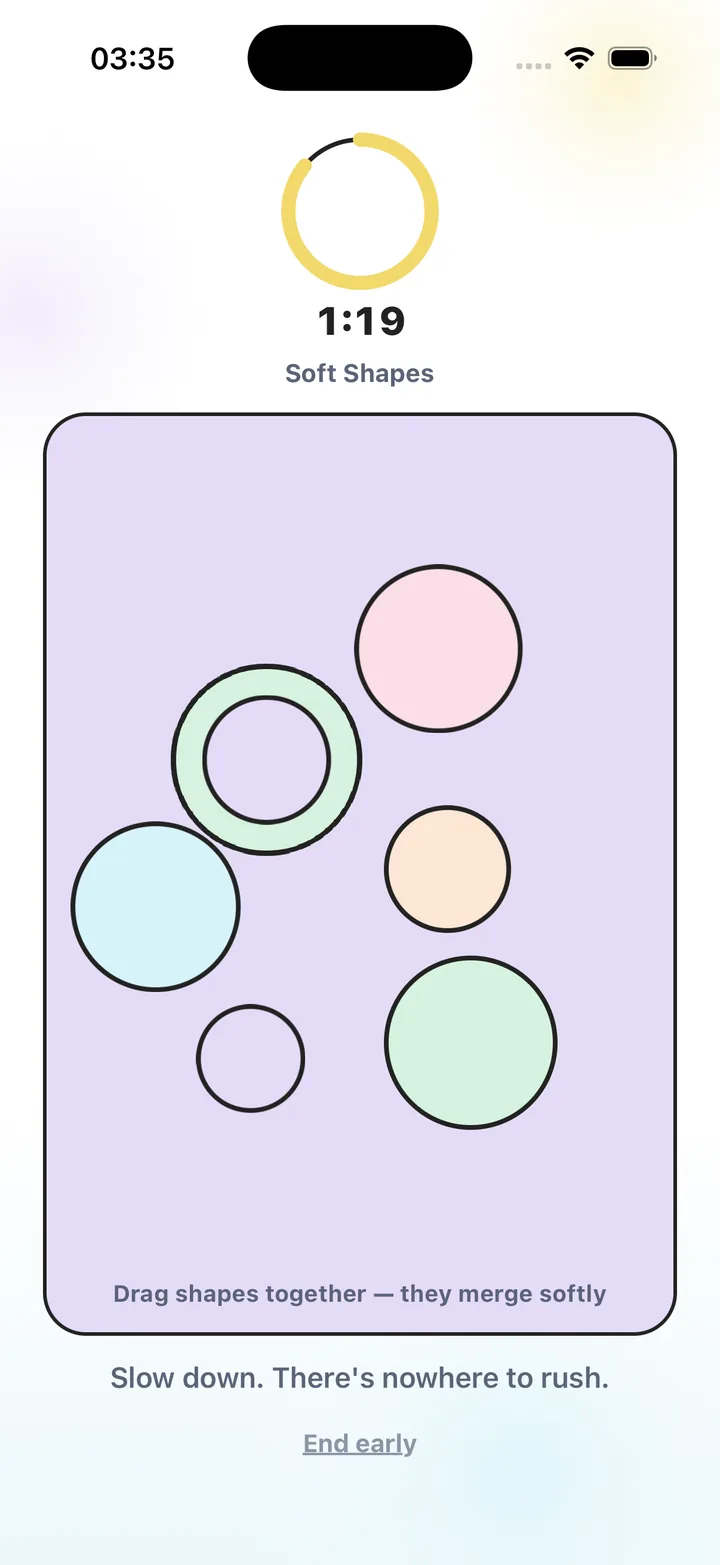
Stress Relief has no advertising or competitive scores. Soft Shapes and Water Ripples provide simple dragging interactions, while Bubble Pop uses tapping. Use an available activity and leave it before the start time; there is no need to finish a game or report a different feeling.
- Keep the meeting link or call screen easy to reach.
- Choose a timer that will not interrupt the event.
- Allow a small margin to put the phone away.
- Skip the game when the event requires your full attention already.
Begin with readiness rather than a mood test
When the pause ends, put the activity aside, check the opening cue and make yourself available. The practical question is whether you can start the next action. You do not need to decide whether the break “worked” while someone is waiting for you to speak.
This is an ordinary pre-event routine, not a treatment for performance anxiety. If speaking situations cause persistent or substantial difficulty, a short game may be too small for what you need. Use appropriate support alongside any practical preparation.
Use the final few minutes deliberately
- Complete essential checks
Verify the file, link, audio and materials you will actually need.
- Mark your opening
Leave the first sentence or point visible so you know where to return.
- Take a quiet bounded pause
Choose one interruptible activity, or simply sit ready, until your planned return time.
- Put it away and begin
Return with a margin, find the opening cue and start when called.
Frequently asked questions
Should I rehearse during this break?
If rehearsal is the preparation you still need, use the time for it. This routine is for a gap after essential preparation is already complete.
Do I need to stop feeling nervous before starting?
No particular feeling is required by this routine. It focuses on practical readiness and a clear first action.
Can I use the same routine for an interview?
Yes. Adapt the checks to the interview and keep the joining instructions and first notes accessible.
Sources and product references
- Official Stress Relief app facts
Product information from Omnivatis, the publisher. These guides describe our own app and are not independent reviews.
- Stress Relief: Relaxing Games on the App Store
Check current iPhone availability, purchase options and published app information.
Stress Relief is a wellness app. It is not a medical device, does not diagnose or treat any condition, and is not a substitute for professional care. If you are struggling, please talk to a qualified professional.