

Written by the maker of Stress Relief. Product examples describe our own app; this is not an independent review or medical advice.
The short answer
Keep the queue, display or announcement within your attention. Choose an interruptible activity such as drawing small patterns, noticing details in the room or playing a quiet game without a score. Put it away immediately when you are called; finishing the activity is optional.
Make staying available the first requirement
Before starting, check how you will know it is your turn: a number board, a name being called or a moving line. Choose your seat and volume accordingly. If you need to hear an announcement, skip headphones or use the venue’s guidance on accessible alerts.
Keep tickets, documents and bags easy to reach. A quiet activity should fit around the reason you are there. If you are accompanying someone who needs your attention, agree whether a brief phone activity is appropriate.
Options that do not need a phone
On paper, draw repeated loops or shade a small square. Without paper, choose a detail to notice: the colors in a poster, the shape of a window frame or the texture of your own sleeve. You can also read a short passage you are comfortable leaving unfinished.
A practical option is to prepare the next step. Put the appointment questions in order or check which document you will hand over first, then stop preparing. You do not need to keep checking the same information for the entire wait.
- In a moving queue, keep your hands and belongings manageable.
- In a waiting room, choose an activity that is quiet without headphones.
- With a child or companion, try a shared observation or paper game.
- If there is very little time, simply wait without adding an activity.
Choose phone games you can leave halfway through
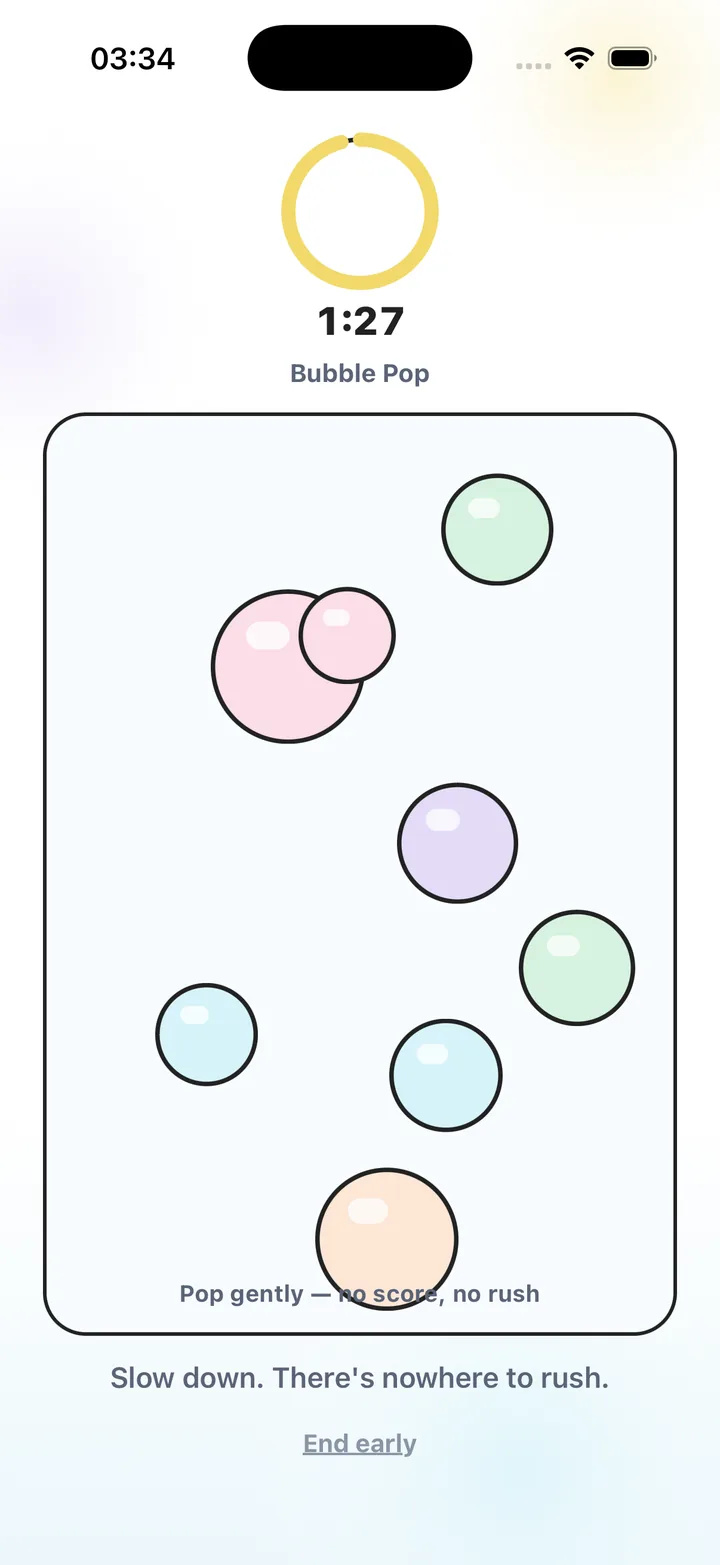
Look for a simple interaction, no penalty for stopping and no sequence you must remember. Stress Relief has no competitive scores or advertising. Bubble Pop offers tapping; Water Ripples offers dragging; Soft Shapes offers moving forms. Not every published game is included in the free selection, so choose one already available to you.
Keep the phone low enough that you can still notice the queue and turn off sound when sharing the space. Avoid starting a login, purchase or download while you may be called at any moment. Those tasks can be more awkward to interrupt than a game.
Use a check-back point for a long wait
If staff give you an estimate, decide when to check the status again rather than refreshing constantly. For example, take a short activity break, look up and confirm you are still in the right place. Follow the venue’s instructions if they differ.
Waiting for important news can remain difficult even with something to do. This guide offers ordinary ways to spend a gap; it cannot change the outcome or promise to remove worry. You can put every activity aside when you prefer company, information or support.
Choose an activity for an uncertain wait
- Check the call system
Find the number board, announcement or other signal you need to notice.
- Prepare your essentials
Keep your ticket and documents accessible before occupying your hands.
- Choose an interruptible action
Doodle, notice a detail, read a little or use an available quiet game.
- Stop when your turn arrives
Put the activity away immediately. There is no need to complete it.
Frequently asked questions
Which game suits an unpredictable wait?
Try an activity you can leave mid-action without losing progress you care about. Simple tapping or dragging may suit that preference.
Do I need mobile data for Stress Relief games?
Installed games and breathing work offline. Account services, purchases, restoration and AI features can require a connection.
What if playing makes it harder to notice my turn?
Put the phone away and choose an activity that leaves you more available, or wait without one.
Sources and product references
- Official Stress Relief app facts
Product information from Omnivatis, the publisher. These guides describe our own app and are not independent reviews.
- Stress Relief: Relaxing Games on the App Store
Check current iPhone availability, purchase options and published app information.
Stress Relief is a wellness app. It is not a medical device, does not diagnose or treat any condition, and is not a substitute for professional care. If you are struggling, please talk to a qualified professional.