
Written by the maker of Stress Relief. Product examples describe our own app; this is not an independent review or medical advice.
The short answer
Use a comfortable visual rhythm as a short breathing cue. Do not force a count, depth or breath hold, and stop if uncomfortable. The linked NHS exercise recommends at least five minutes, rather than promising an effect in one minute.
Why simple beats clever when you are stressed
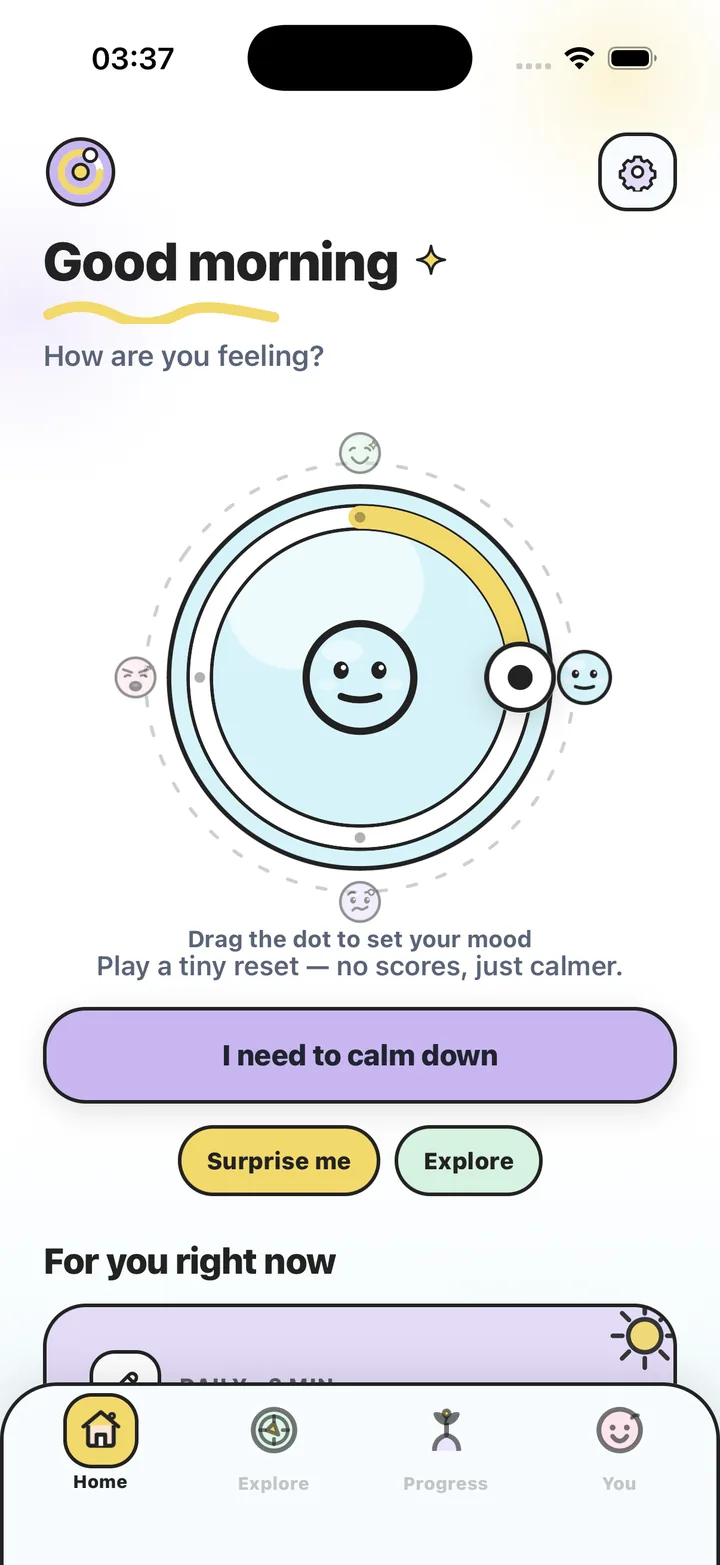
A visual cue is an option if you prefer following movement to counting. In Stress Relief that cue is a slow dot. You can also trace a gentle circle with a finger or simply notice your breath. This guide does not compare the clinical effectiveness of breathing techniques.
What to expect in one minute
Use one minute as a short cue to pause and notice comfortable breathing. There is no required number of breaths or promised result. The NHS breathing exercise recommends a longer practice of at least five minutes; our one-minute app cue is not a replacement for that guidance.
- Sit or stand; there is no need to lie down or close your eyes
- Breathe through the nose if comfortable; otherwise the mouth is fine
- Do not force a deep breath — slow matters more than big
- If you feel light-headed, breathe normally and stop
A wellness note
This is everyday breathing for everyday stress. Stress Relief is a wellness app. It does not diagnose or treat any condition and is not a substitute for professional care. If you are struggling, please talk to a qualified professional. If breathing difficulties are part of your life, talk to a clinician before using any breathing exercise.
Steps
In Stress Relief, open Focus Dots or start any Instant Reset and the slow dot does the timing. Without the app, use the steps below.
- Find a slow rhythm
In the app, watch the dot grow and shrink. Without it, trace a slow circle with one finger on your leg, or watch the second hand for a five-second sweep.
- Breathe in as it grows
Let the in-breath follow a comfortable pace. Do not force a deep breath or a fixed count.
- Breathe out gently as it shrinks
Let the out-breath run slightly past the in-breath — five or six seconds. Keep the breathing gentle and comfortable; there is no need to force a pace.
- Repeat for one minute
Try the cue for up to a minute if comfortable. If your attention wanders, return to it gently. Stop if you feel uncomfortable or light-headed.
- Finish with one normal breath
Let the rhythm go and breathe normally. In the app the session ends with "Take one more breath" and a quick check-in on how you feel.
Frequently asked questions
How is this different from box breathing?
This app cue uses a visual rhythm without breath holds. It is an interface preference, not a claim that it works better than another technique.
Where is the breathing exercise in the app?
Focus Dots is a follow-the-dot breathing game on its own, and every Instant Reset session includes gentle breathing around a calming game.
Can I do it more than once a day?
You can return to a comfortable cue when you want a short pause. Do not force the exercise; speak to a clinician if you have questions about breathing symptoms.
Sources and product references
- NHS: breathing exercises for stress
General guidance on gentle, unforced breathing. The NHS exercise recommends at least five minutes; the app cue here is shorter.
- Official Stress Relief app facts
Product information from the app maker. App descriptions are not independent clinical evidence.
Stress Relief is a wellness app. It is not a medical device, does not diagnose or treat any condition, and is not a substitute for professional care. If you are struggling, please talk to a qualified professional.