

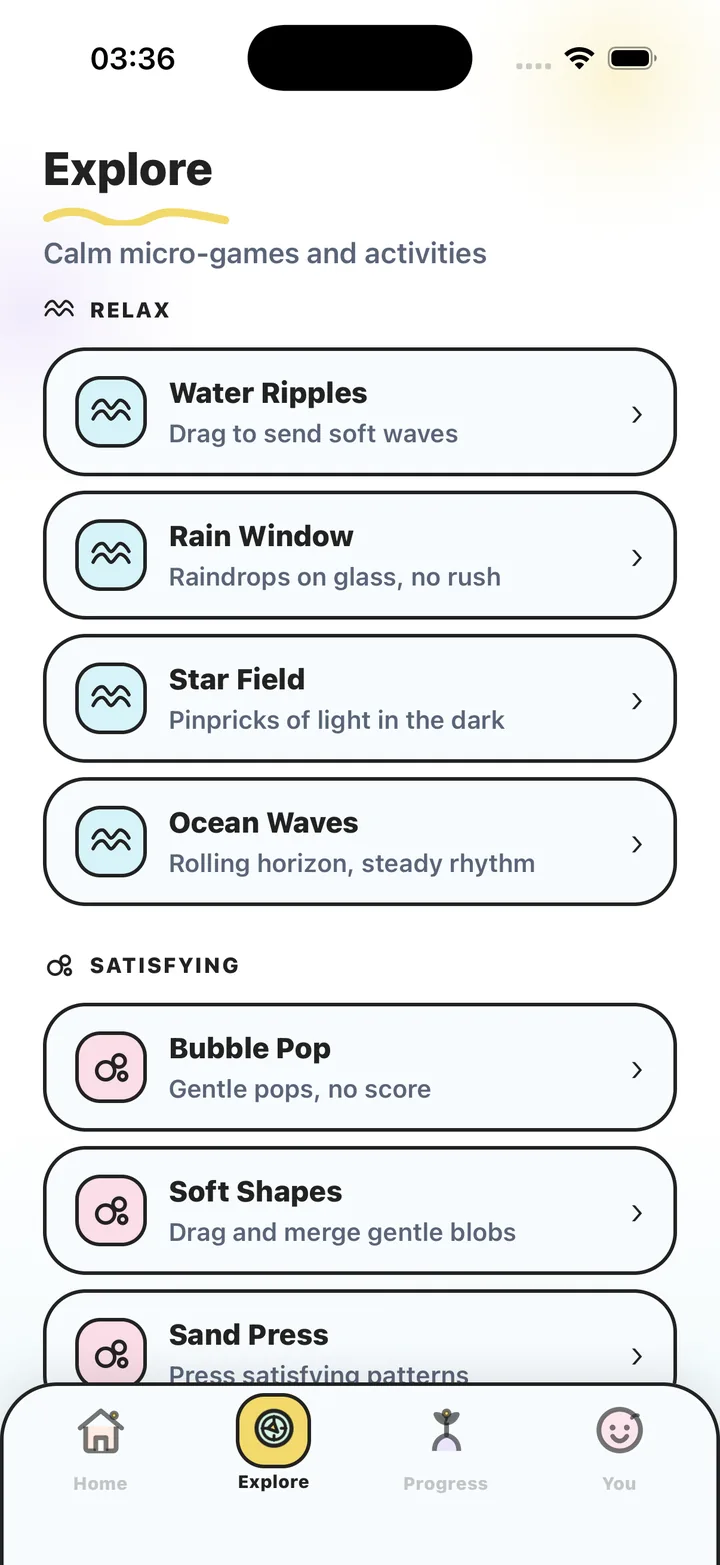
Written by the maker of Stress Relief. Product examples describe our own app; this is not an independent review or medical advice.
The short answer
Choose a raking activity if you want to draw repeated lines without maintaining a garden. Check for required resources, daily tasks and decorative purchases if you want open-ended play. Stress Relief Zen Garden centers on raking soft lines in sand and is part of Premium.
Decide what “garden” should ask of you
In a management game, growing a garden can involve collecting materials, waiting for plants and returning to complete tasks. In a decorating game, choosing objects and arranging them is the main activity. A raking game makes marks in a surface. These are three useful choices with different demands on your attention.
If you have two minutes between tasks, an open raking surface may fit better than a garden that needs several decisions before you begin. If you actually enjoy designing a space over several days, the longer project may be the attraction. Choose the process you want instead of assuming the scene determines the pace.
Use a pattern simple enough to leave unfinished
Start with parallel lines across a small portion of the screen. Leave some space between them so that each movement is visible. Then, if you want, add one curved line. You do not need a symmetrical picture, a completed garden or an arrangement worth saving.
An alternative is to follow the edge of an existing mark and notice where your next line moves away from it. This gives the hand a straightforward task without introducing a correct answer. If making the pattern neat starts to feel demanding, make a loose mark or stop. The pattern is a suggestion, not a performance standard.
Compare raking with pressing and drawing
Raking is about a continuous path. A sand pressing game is about separate impressions. A drawing canvas gives you more freedom to choose a subject. Try to identify which action you enjoy before comparing themes, colors or garden decorations.
For a screen-free version of the idea, draw repeated lines on scrap paper. A physical tabletop sand tray is another, different medium if you already have one. Neither is required for a short pattern-making break, and a phone cannot reproduce the feel of a real rake moving through sand.
Know the specific app before paying
Zen Garden is a published game in the Nature group of Stress Relief. Its activity is raking soft lines in sand. It belongs to the Premium selection; the free games include Color Flow for finger painting and Tiny Garden for tapping to grow quiet plants.
The app has 19 published games, no advertising and no competitive scores. Games work offline after installation, while purchases and restoration can require a connection. Try the free interactions first to decide whether this kind of small touchscreen activity appeals to you before considering a subscription.
Try a small raking pattern
- Choose an open area
Use only part of the available surface so you do not create a need to fill the screen.
- Make three easy lines
Move at a comfortable speed and leave visible space between the marks.
- Change one movement
Try one curve or a different direction. Keep the experiment small.
- Leave the pattern as it is
End when your chosen break ends, whether or not the arrangement looks finished.
Frequently asked questions
Does a virtual zen garden require gardening tasks?
It depends on the game. Some focus on raking or arranging, while others use growing, resource collection and upkeep. Stress Relief Zen Garden focuses on raking lines in sand.
Is Zen Garden free in Stress Relief?
Zen Garden is part of Premium. You can begin with seven free games, including Color Flow and Tiny Garden, before deciding whether you want the additional library.
Do I need to make a symmetrical pattern?
No. Parallel lines, loose curves or an unfinished patch are valid ways to use an open raking surface. There is no competitive score in Stress Relief.
Sources and product references
- Official Stress Relief app facts
Product information from Omnivatis, the app maker. These guides describe our own app and are not independent reviews or clinical evidence.
- Stress Relief: Relaxing Games on the App Store
Check the current iPhone listing for availability, purchases and the published version.
Stress Relief is a wellness app. It is not a medical device, does not diagnose or treat any condition, and is not a substitute for professional care. If you are struggling, please talk to a qualified professional.